SmartBOL Yard View & Truck Board Solutions

Visualizes Yard and Truck Board

Yard View & Truck Board

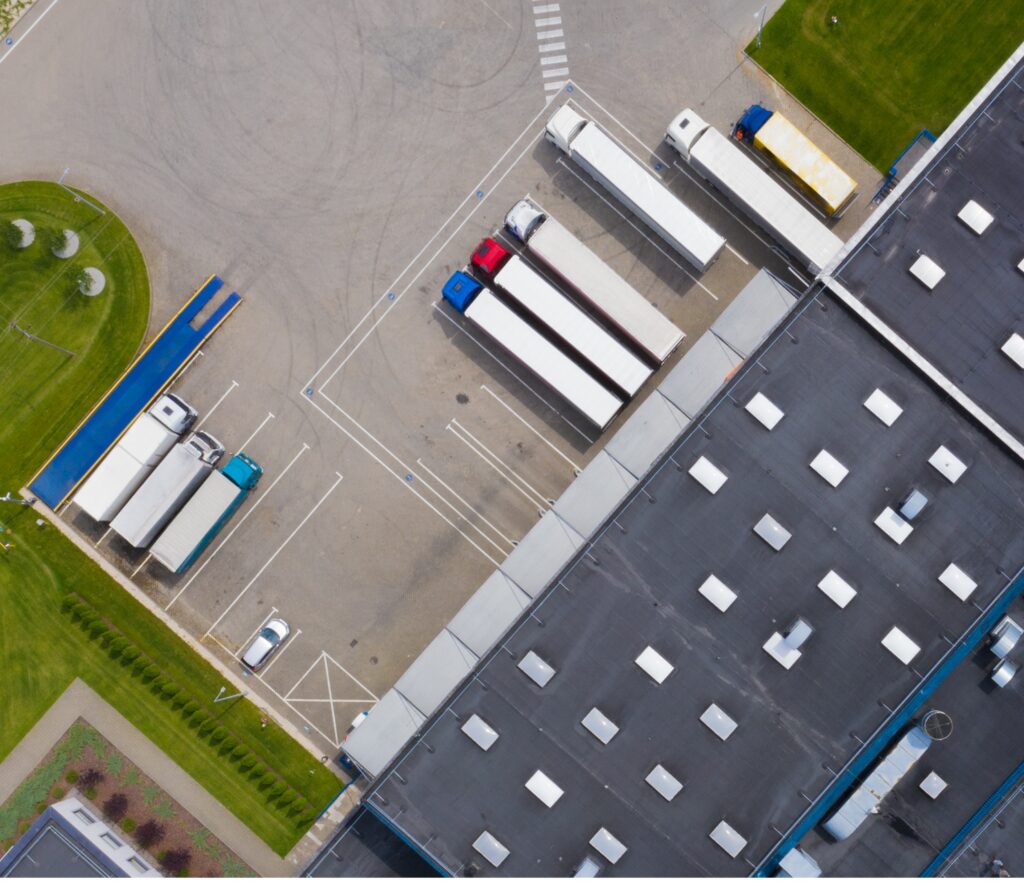
Track trailers and monitor truck movements in the warehouse yard. Show the current loading status on the screen.

  • Visualize Yard and Trailers

  • Assign Docks and Move Trailers

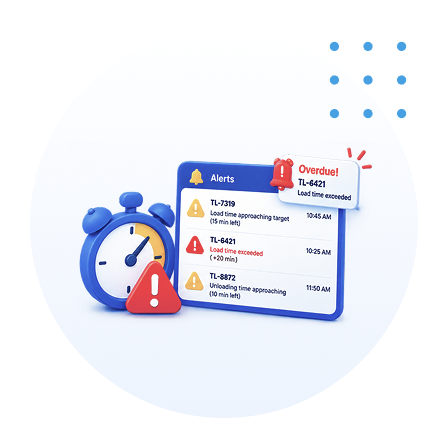
  • Driver Alerts on Loading

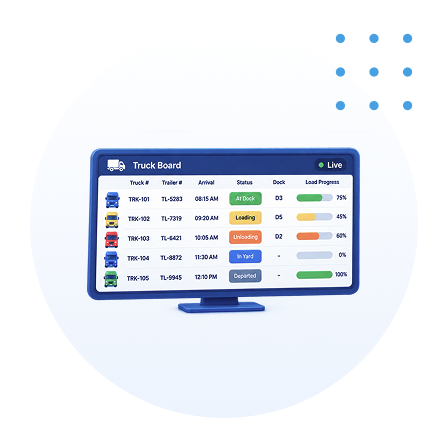
  • Truck Board to show loading status

Features

Simplify document workflows with smart, connected features.

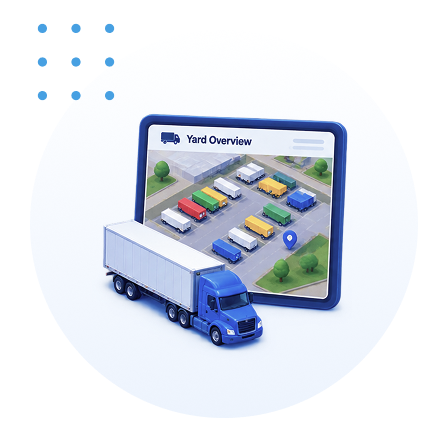
Real-Time Yard Visibility

See every trailer in the yard at a glance.

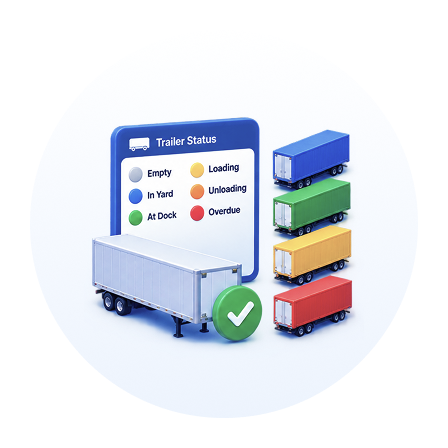
Color-Coded Status Tracking

View full trailer status in color-coded states.

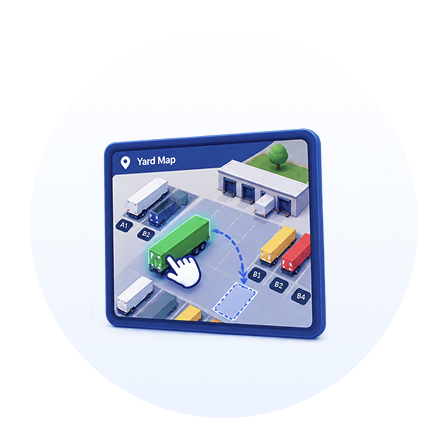
Interactive Yard Management

Move trailers around the yard with a drag-and-drop interactive map.

Live Truck & Loading Board

Track truck arrivals and live loading status on a real-time truck board.

Automated Load Time Alerts

Get alerts as trailer load times approach or exceed their targets.

Benefits That Drive Measurable Results

Designed to reduce costs, automate processes, improve efficiency, and expedite warehouse operations.

See your whole yard at a glance

Know where every trailer is and what state it's in, without walking the lot or making phone calls.

Move trailers with a tap

Reassign and reposition trailers on a drag-and-drop map, so the yard reflects reality in real time.

Keep loading on schedule

A live truck board shows arrivals and loading status, so your team always knows what's next.

Cut trailer dwell and demurrage

Alerts flag trailers approaching or past their load targets, so you act before delays turn into charges.

Run every yard from one place

Manage trailers and loading across all your locations from a single view, giving headquarters one consistent picture of the network.

SmartBOL Workflow

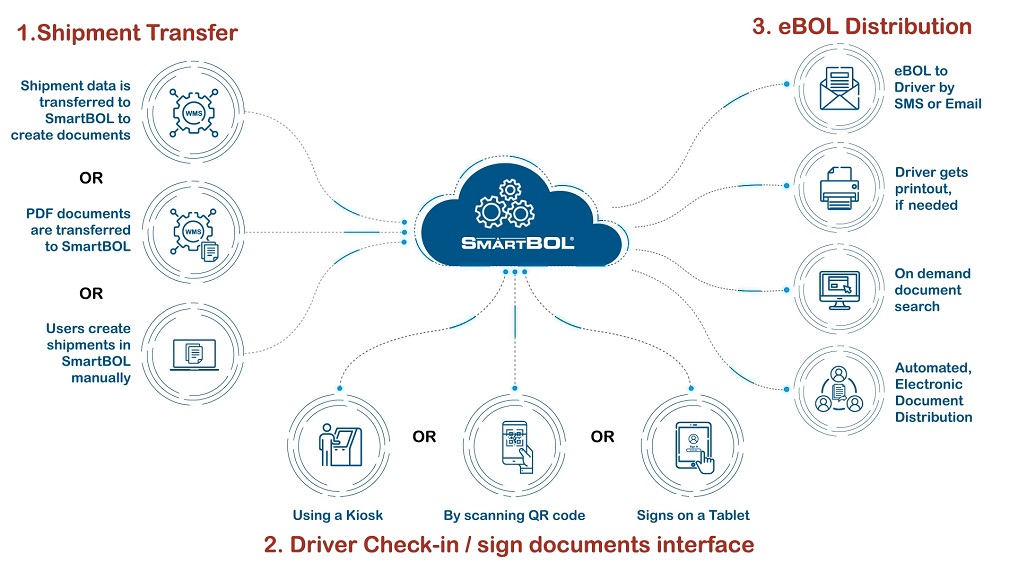
Here's the SmartBOL workflow: Step 1 — Shipment Transfer. A shipment enters SmartBOL in one of three ways: shipment data is transferred in from a WMS so SmartBOL can create the documents; or finished PDF documents are transferred into SmartBOL directly; or a user creates the shipment manually inside SmartBOL. All three routes converge in the SmartBOL cloud. Step 2 — Driver Check-in / Sign Documents. When the driver arrives, they check in and sign the documents through whichever interface fits the site: at a kiosk, by scanning a QR code on their own device, or by signing on a tablet. Step 3 — eBOL Distribution. Once signed, the electronic BOL is distributed automatically. The driver receives the eBOL by SMS or email, can get a physical printout if one is needed, and the documents become available for on-demand search — all handled through automated electronic document distribution.

Our Other Modules

Explore more modules designed to support your research needs.

Driver Check-in & Appointment

Inbound Shipment Processing

Yard View & Truck Board

Shipment Tracking