SmartBOL CMR Solutions

Kiosk and Tablet based driver check-in system.

European CMR

Set up appointments, monitor driver check-ins, assign docks and guide drivers from Cloud based control panel.
  • Shipping Documentation

  • Supports VICS/Master BOL

  • Sign BOL/Docs on tablets

  • Capture Shipment Photos

Features

Simplify document workflows with smart, connected features.

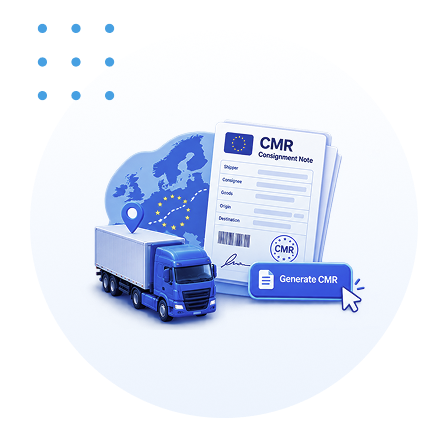
European Freight Documentation

Create CMR consignment notes for shipments within Europe.

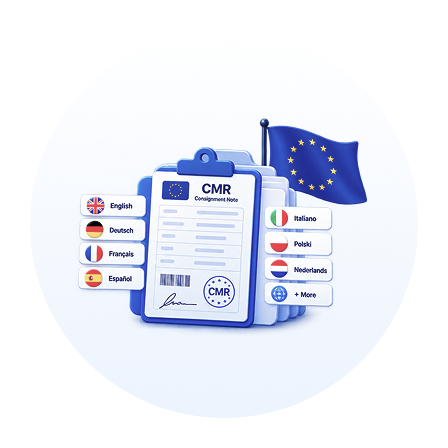
Multi-Language EU Compliance

Generate CMRs in multiple languages, aligned to each EU country’s requirements.

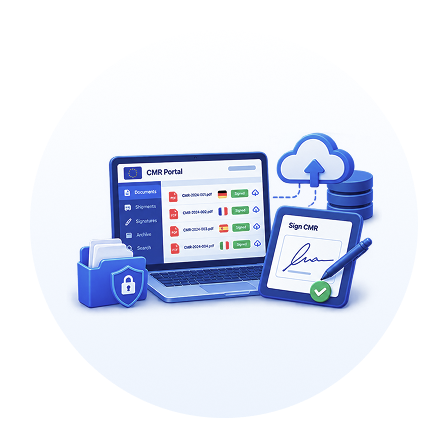
Cloud Sign & Storage

Sign and store CMRs in a single, easily accessible cloud portal.

Seamless Systems Integration

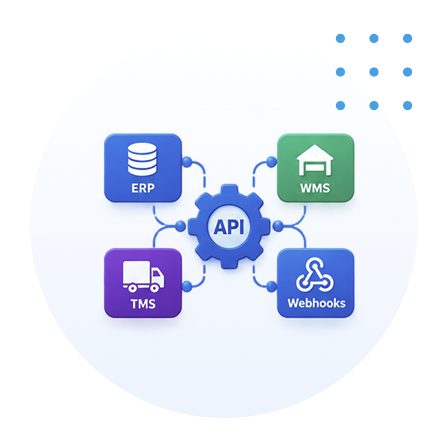
Connect to your ERP, WMS, and TMS through APIs and Webhooks

Benefits That Drive Measurable Results

Designed to reduce costs, automate processes, improve efficiency, and expedite warehouse operations.

Ship compliant across Europe

Create CMR consignment notes that meet each country's requirements, so cross-border shipments clear without paperwork problems.

No language barriers

Generate CMRs in the right language for each EU country, so drivers, customers, and authorities all get a document they can read.

Paperless and always accessible

Sign and store CMRs in one cloud portal, so you retire the paper and can pull any consignment note on demand.

Hands-off confirmation

Webhooks confirm shipments automatically and update your other systems, with no manual follow-up.

Run every site from one place

Manage CMRs across all your European locations from a single portal, giving headquarters one consistent view.

SmartBOL Workflow

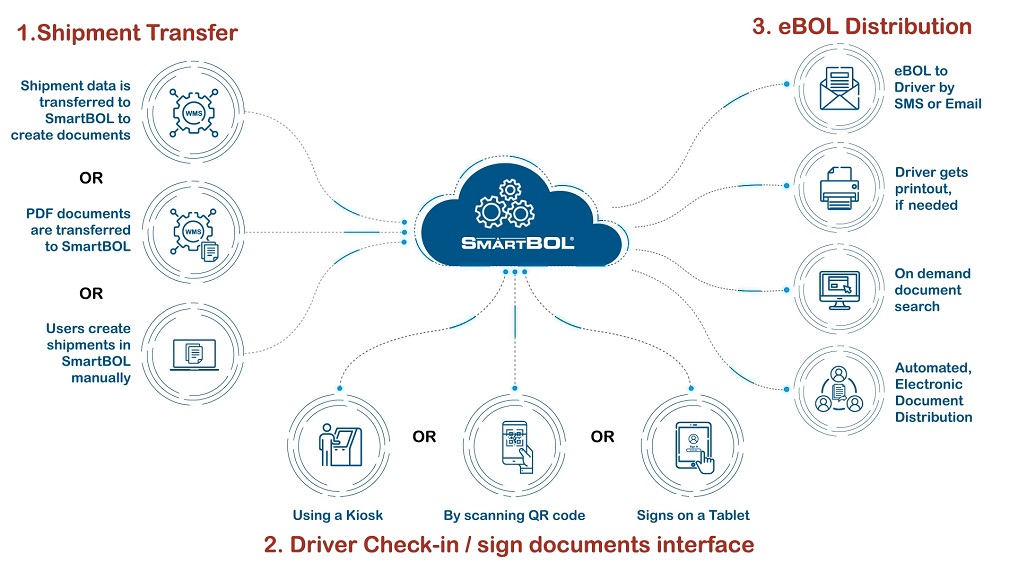
Here's the SmartBOL workflow: Step 1 — Shipment Transfer. A shipment enters SmartBOL in one of three ways: shipment data is transferred in from a WMS so SmartBOL can create the documents; or finished PDF documents are transferred into SmartBOL directly; or a user creates the shipment manually inside SmartBOL. All three routes converge in the SmartBOL cloud. Step 2 — Driver Check-in / Sign Documents. When the driver arrives, they check in and sign the documents through whichever interface fits the site: at a kiosk, by scanning a QR code on their own device, or by signing on a tablet. Step 3 — eBOL Distribution. Once signed, the electronic BOL is distributed automatically. The driver receives the eBOL by SMS or email, can get a physical printout if one is needed, and the documents become available for on-demand search — all handled through automated electronic document distribution.

Our Other Modules

Explore more modules designed to support your research needs.

Driver Check-in & Appointment

Inbound Shipment Processing

Yard View & Truck Board

Shipment Tracking