SmartBOL Inbound Shipment Processing Solutions

Capture and Digitize Inbound Shipments

Inbound Shipment Processing

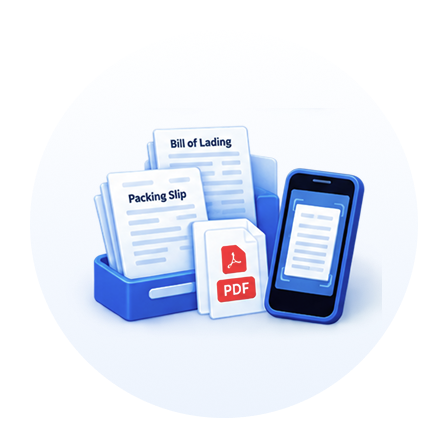
AI based inbound shipment document processing module creates a quick search document repository to get insights of inbound shipments.

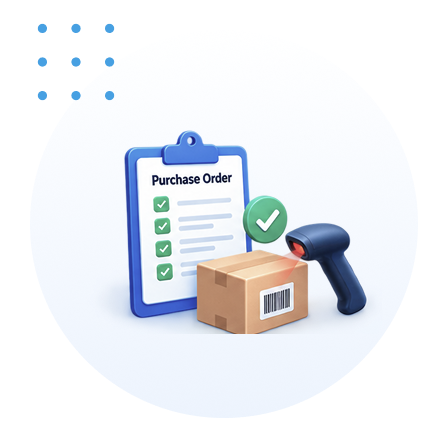
  • Verify Shipment with PO/ASN

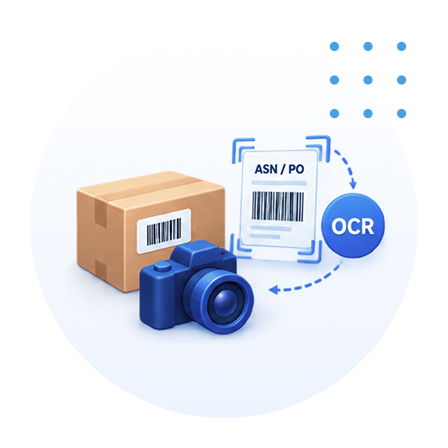
  • Digitize Inbound Documents

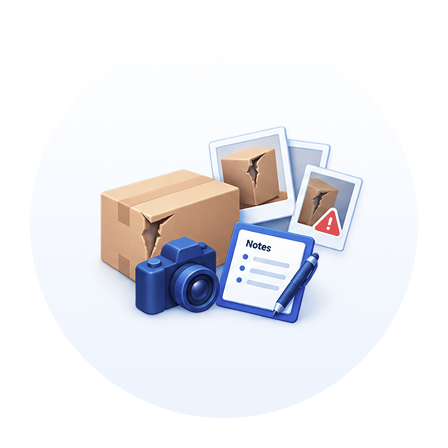
  • Capture Shipment Condition Photo

  • Upload Received Shipment Data
Features

Simplify document workflows with smart, connected features.

Line-by-Line PO Verification

Verify received goods against the purchase order, line by line.

Automated Photo & Document Indexing

Capture photos and auto-index them by PO or ASN using OCR.

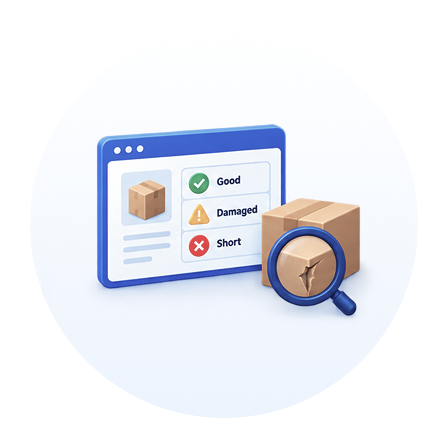
Detailed Item Status Tracking

Record condition status at the shipment or individual PO line-item level.

Discrepancy & Damage Documentation

Document short, damaged, or discrepant freight with photos and notes.

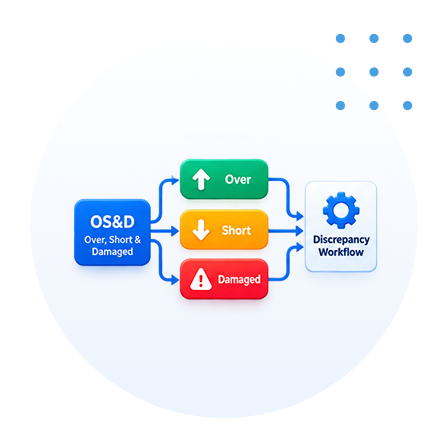
OS&D Workflow Management

Route over, short, and damaged (OS&D) items through built-in discrepancy workflows.

Inbound Paperwork Digitization

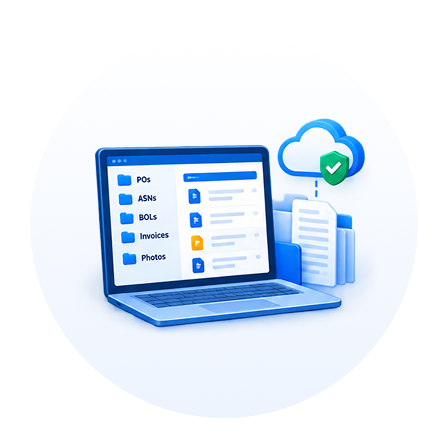
Index scanned or photographed paperwork received with each inbound shipment.

Centralized Document Retention

Retain received documents for easy access by any department that needs them.

Seamless System Integration

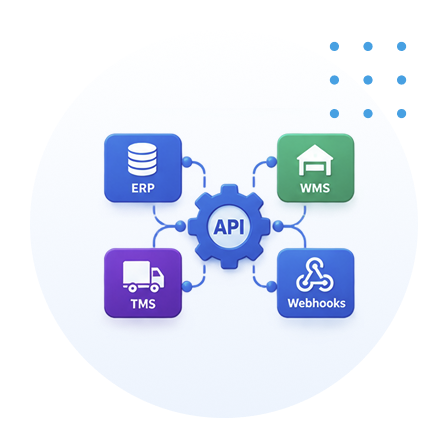
Connect to your ERP, WMS, and TMS through APIs and Webhooks. Push received-shipment data to external systems for upstream processing via webhooks.

Benefits That Drive Measurable Results

Designed to reduce costs, automate processes, improve efficiency, and expedite warehouse operations.

Catch problems at the door

Verify goods against the PO line by line, so shortages and errors are caught on receipt instead of showing up later.

Win vendor claims

Document short, damaged, or discrepant freight with photos and notes, giving you the proof to recover costs from suppliers.

Handle discrepancies the same way every time

Built-in OS&D workflows route over, short, and damaged items through a consistent process, so nothing slips through the cracks.

Less paperwork, faster filing

Photos are captured and auto-indexed by PO or ASN, and received paperwork is indexed automatically instead of sorted by hand.

One record everyone can find

Received documents are retained and available to any department that needs them, from finance to customer service.

No re-entering data

Received-shipment data flows straight to your other systems for upstream processing, with limited or no manual rekeying.

Run every site from one place

Manage inbound receiving across all your locations from a single system, giving headquarters one consistent view of what's arriving.

SmartBOL Workflow

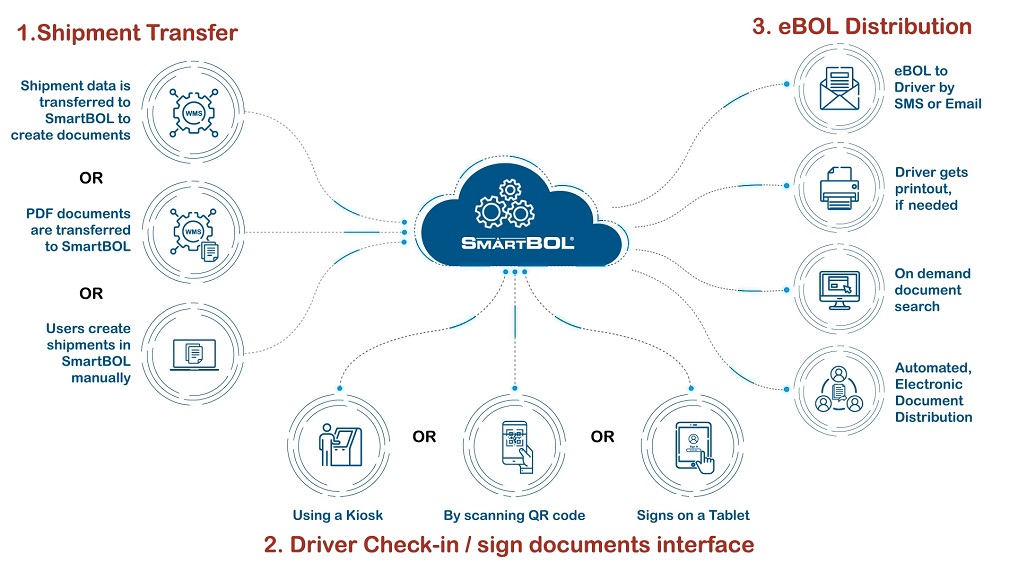
Here's the SmartBOL workflow: Step 1 — Shipment Transfer. A shipment enters SmartBOL in one of three ways: shipment data is transferred in from a WMS so SmartBOL can create the documents; or finished PDF documents are transferred into SmartBOL directly; or a user creates the shipment manually inside SmartBOL. All three routes converge in the SmartBOL cloud. Step 2 — Driver Check-in / Sign Documents. When the driver arrives, they check in and sign the documents through whichever interface fits the site: at a kiosk, by scanning a QR code on their own device, or by signing on a tablet. Step 3 — eBOL Distribution. Once signed, the electronic BOL is distributed automatically. The driver receives the eBOL by SMS or email, can get a physical printout if one is needed, and the documents become available for on-demand search — all handled through automated electronic document distribution.

Our Other Modules

Explore more modules designed to support your research needs.

Driver Check-in & Appointment

Inbound Shipment Processing

Yard View & Truck Board

Shipment Tracking