SmartBOL Driver Check-In & Appointments Solutions

Kiosk and Tablet based driver check-in system.

Driver Check-in and Appointments

Set up appointments, monitor driver check-ins, assign docks and guide drivers from Cloud based control panel.
  • Appointment Management

  • Driver Check-in Kiosk

  • Dock Management

  • Driver Alerts

Features

Simplify document workflows with smart, connected features.

Fast Driver Check-In

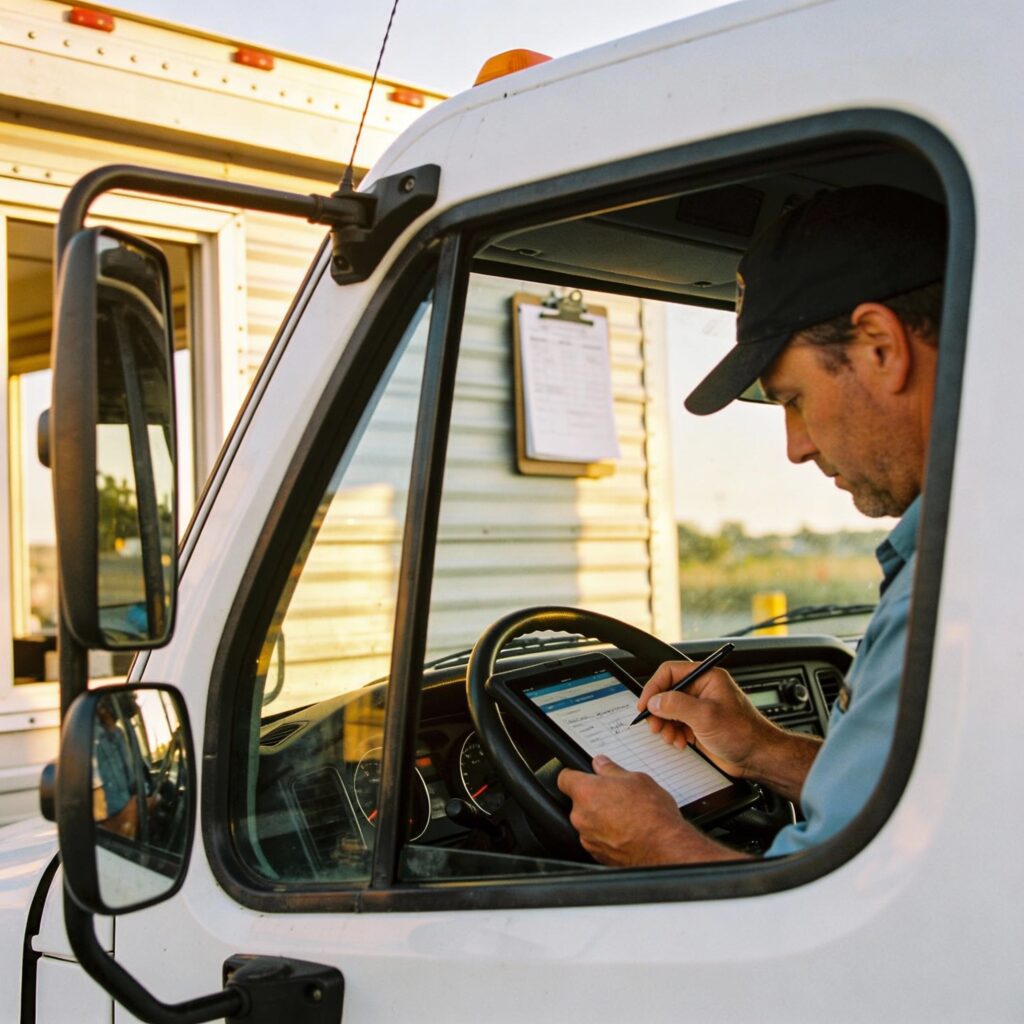
Check drivers in on a kiosk or tablet in seconds.

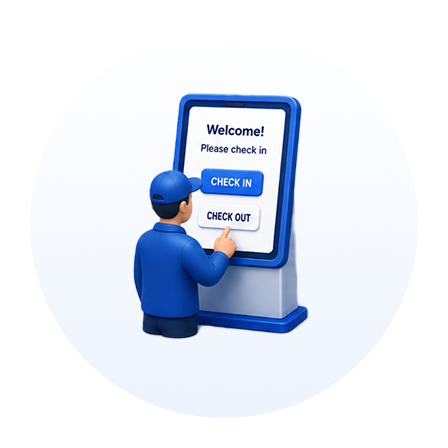
Self-Service Kiosk Operation

Enable self-service check-in on the kiosk to reduce staff involvement.

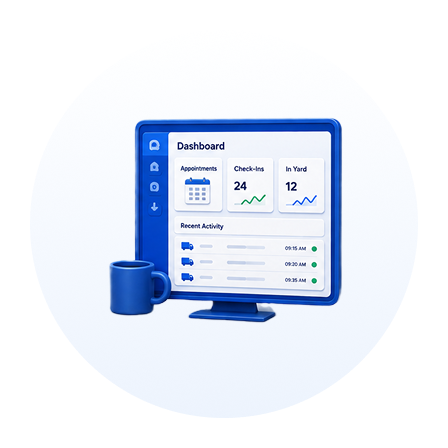
Centralized Dashboard Management

Manage appointments and check-ins from one central dashboard.

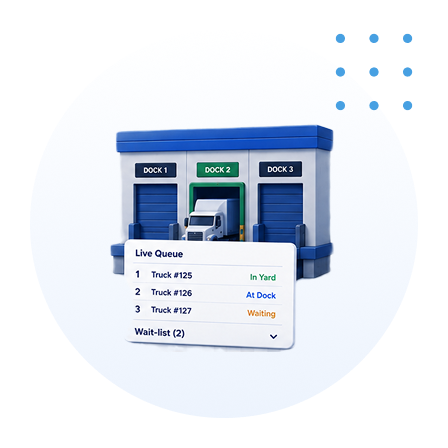
Smart Dock & Queue Allocation

Assign dock doors and manage a live queue and wait-list.

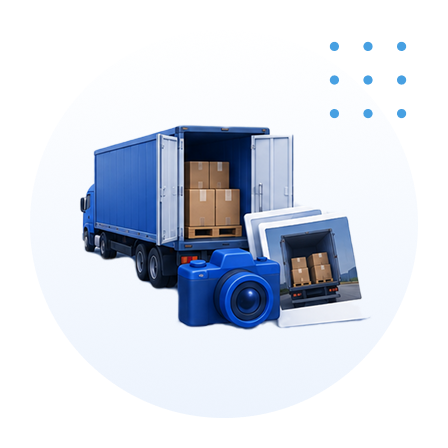
Visual Audit & Claim Capture

Capture trailer and shipment photos for audits and claims.

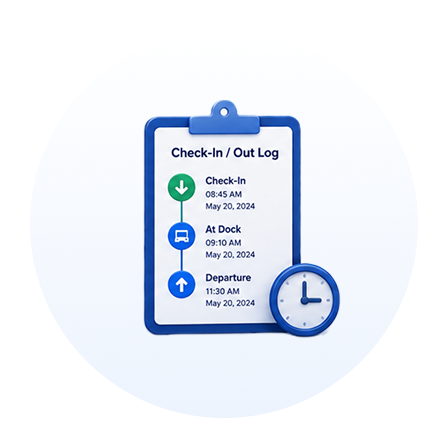
Timestamped Activity Logging

Log every check-in and departure with a timestamp for each load.

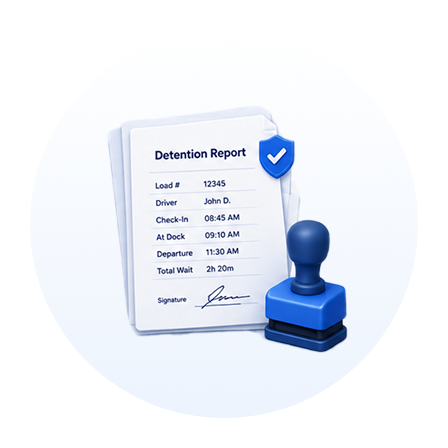
Detention Claim Protection

Produce documented, timestamped reports to defend against driver detention claims.

Seamless System Integration

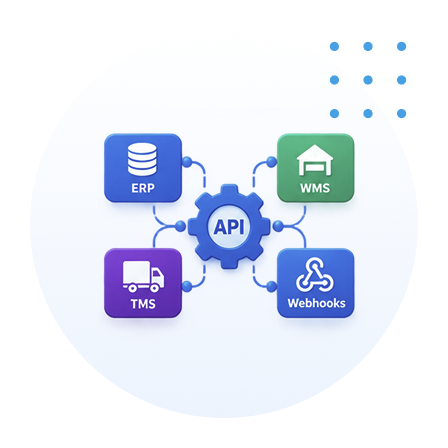
Connect to your ERP, WMS, and TMS through APIs and Webhooks.

Benefits That Drive Measurable Results

Designed to reduce costs, automate processes, improve efficiency, and expedite warehouse operations.

Faster check-ins

Drivers check in on a kiosk or tablet in seconds, so trucks spend less time waiting at the gate.

Less work for your staff

Self-service check-in handles the routine steps, freeing your team for the work that needs them.

One place to manage the dock

Appointments, check-ins, dock-door assignments, and the live queue all run from a single dashboard.

Run every site from one place

Oversee check-in and dock operations across all your locations from a single dashboard, giving headquarters one consistent view instead of juggling separate systems per site.

Smoother dock flow

Live queue and wait-list management keep trucks moving and cut congestion at the doors.

Detention claims defense

Timestamped check-in and departure logs give you a clear record of how long each driver was on site, so you can settle or dispute detention claims with facts.

Stronger audit and claims evidence

Trailer and shipment photos are captured and stored with each visit, giving you proof when audits or claims come up.

SmartBOL Workflow

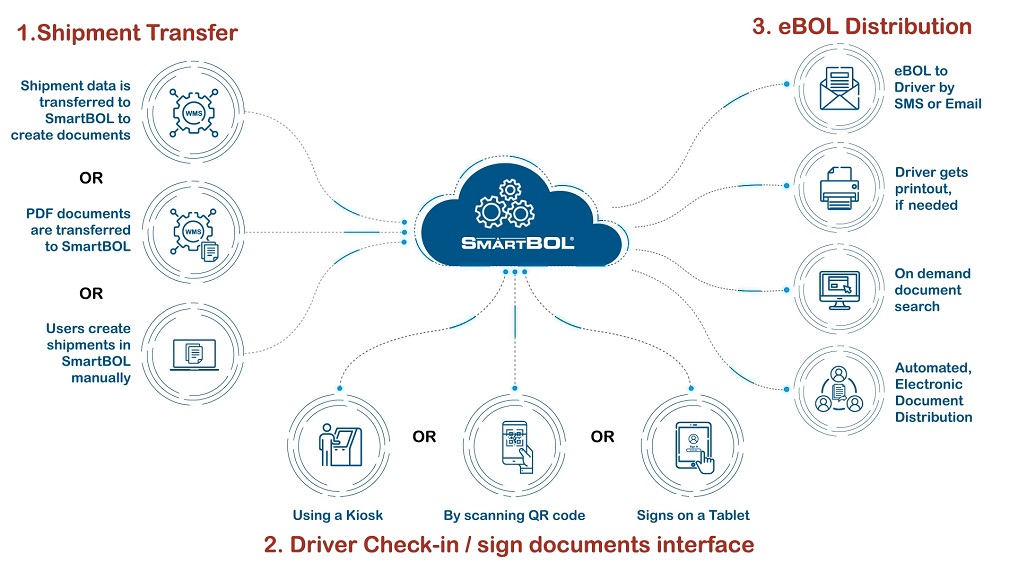
Here's the SmartBOL workflow: Step 1 — Shipment Transfer. A shipment enters SmartBOL in one of three ways: shipment data is transferred in from a WMS so SmartBOL can create the documents; or finished PDF documents are transferred into SmartBOL directly; or a user creates the shipment manually inside SmartBOL. All three routes converge in the SmartBOL cloud. Step 2 — Driver Check-in / Sign Documents. When the driver arrives, they check in and sign the documents through whichever interface fits the site: at a kiosk, by scanning a QR code on their own device, or by signing on a tablet. Step 3 — eBOL Distribution. Once signed, the electronic BOL is distributed automatically. The driver receives the eBOL by SMS or email, can get a physical printout if one is needed, and the documents become available for on-demand search — all handled through automated electronic document distribution.

Our Other Modules

Explore more modules designed to support your research needs.

Driver Check-in & Appointment

Inbound Shipment Processing

Yard View & Truck Board

Shipment Tracking